Trusted by productivity enthusiasts at
Powerful Features,
From real-time monitoring to historical review, from data statistics to trend analysis, TabLogger provides comprehensive tab management tools.
Complete Lifecycle Tracking
Automatically record the complete history of every tab from open to close. Including URL change history, duration, window association, and more to help you fully understand your browsing habits.
Privacy First
Your data stays 100% on your local device. TabLogger operates using only browser local storage (IndexedDB), with absolutely no cloud uploads, server sync, or third-party tracking.
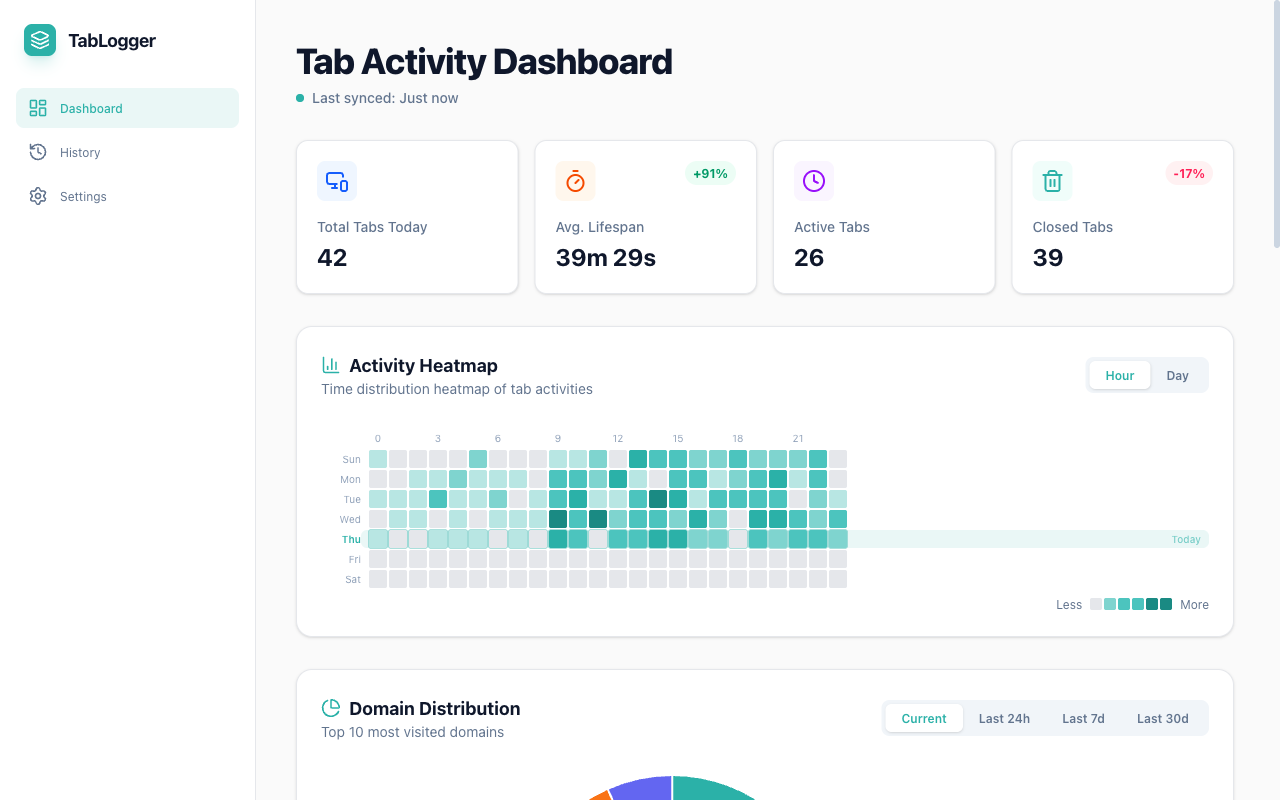
Domain Distribution Statistics
Automatically track your most frequently visited domains with visual charts. View trends for current, 24 hours, 7 days, or 30 days to discover the truth about your time consumption.
Trend Chart Analysis
View tab opening and closing trends by hour, day, week, or month. Understand your browsing peak hours and usage patterns intuitively.
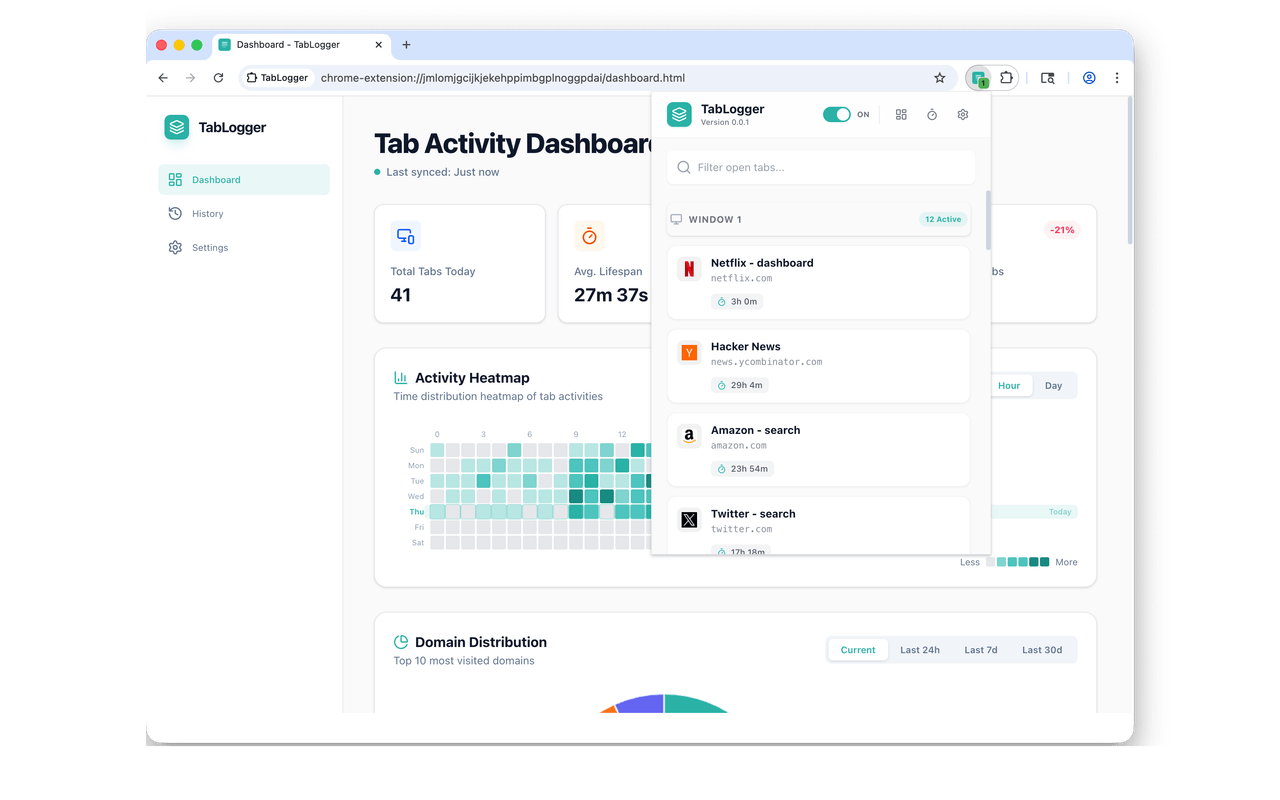
Quick Popup Management
Click the extension icon to open Popup and view all active tabs in real-time. Supports grouping by window, quick search, and one-click tab activation or closing.
Theme Customization
Choose from three carefully crafted visual themes. Switch between Teal Glass (light), Luminous Obsidian (dark), or Precision Interface (macOS-inspired) to match your workflow and environment.
Teal Glass
Luminous Obsidian
Precision Interface
Real-Time Monitoring Dashboard
Global control of all tabs.
-
Today's Statistics Overview
-
Longest Living Tabs Ranking
-
Top Visited Sites
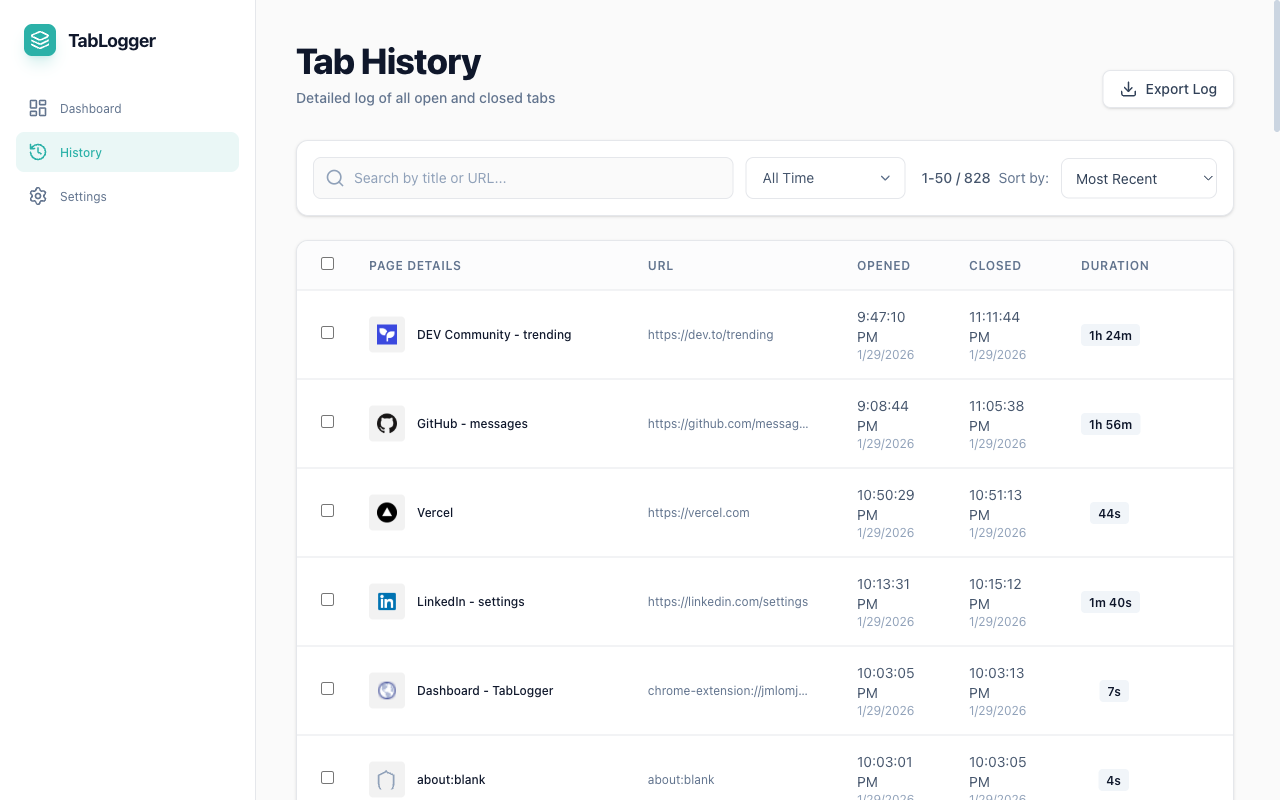
Complete History Records
Every tab is traceable.
Date Filtering
Full-Text Search
Sort & Filter
Batch Operations
Multi-Dimensional Data Analysis
Gain deep insights into your browsing habits through visual charts. View tab opening/closing trends by hour, day, week, or month, plus statistics on your most frequently visited domains.
Time Trend Charts
Display changes in tab opening and closing counts across different time granularities, helping you discover browsing peak hours.
Domain Distribution Pie Chart
Track the top 10 most frequently visited domains, with support for viewing current, 24-hour, 7-day, and 30-day data.
Recent Activity List
Display the 50 most recently opened tabs, including page title, URL, open/close time, and duration.
Quick Popup Interface
Instant overview of all tabs
Window Grouping
Quick Search
One-Click Actions
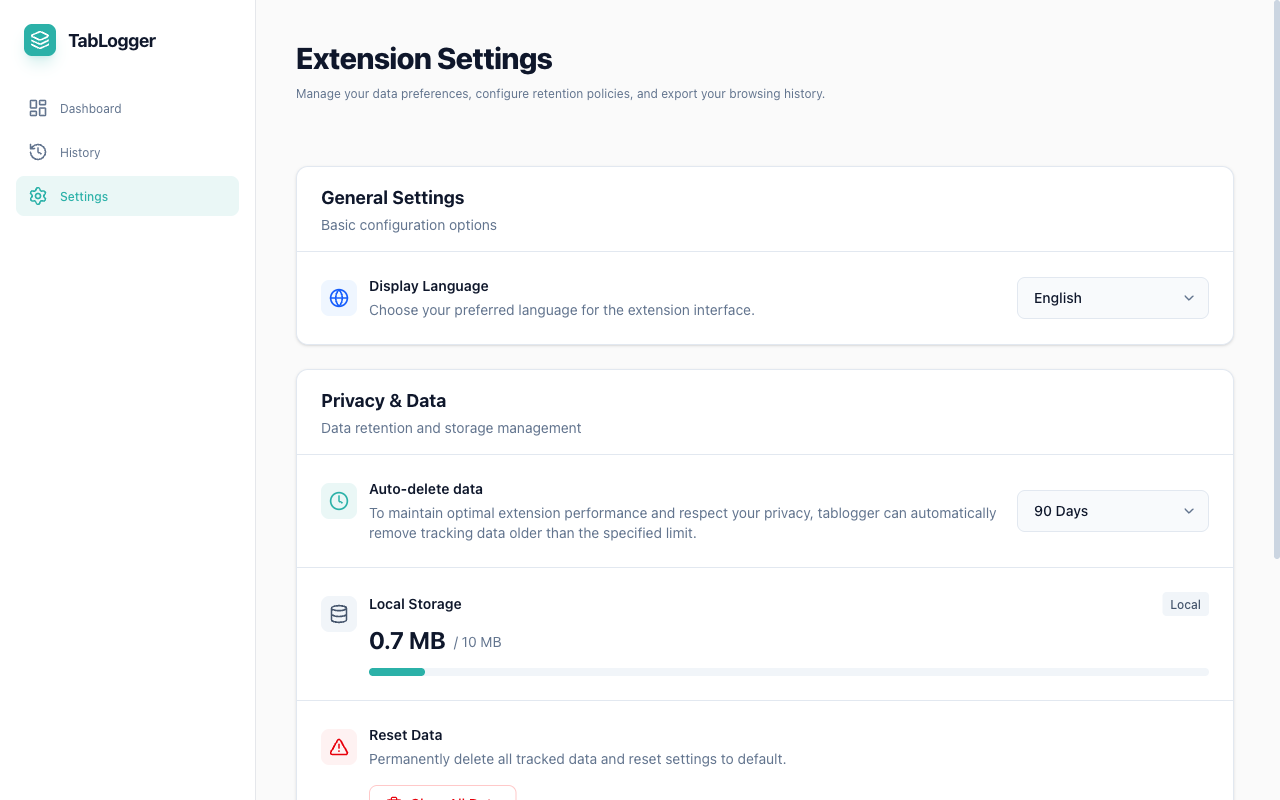
Flexible Settings & Control
Customize your experience
Data Retention Policy
Storage Management
Export & Reset
Theme switching — choose between light, dark, and macOS-inspired styles
Your Data, Your Control
Privacy First Design.
Flexible Data Export
Zero Cloud Dependency
Frequently Asked Questions
How does TabLogger work?
TabLogger runs as a Chrome extension in the background, automatically recording information such as the opening time, URL changes, and closing time of each tab. All data is stored in the browser's local storage (IndexedDB), without requiring any cloud server.
Will my data be uploaded to the cloud?
Absolutely not. TabLogger adopts a privacy-first design philosophy, with all data 100% stored on your local device. We have no servers and will not collect any of your browsing data. You can export or delete all data at any time.
Will TabLogger affect browser performance?
No. TabLogger uses a lightweight design and only records when tab state changes, with minimal impact on browser performance. We use efficient storage strategies and background processing mechanisms to ensure your browsing experience is not affected.
Can I export my data?
Of course! In the Dashboard and History pages, you can export data in CSV or JSON format for secondary analysis or backup. The exported data includes complete tab history, timestamps, URLs, and other information.
Stop guessing where your time goes.
Join thousands of users who are optimizing their digital workflow.
Free for personal use.